
How to Search the Edgecombe County Court Docket
Start with the North Carolina eCourts Portal. It is the public entry point for Edgecombe County court records. Its Smart Search tool opens the Case Summary for public cases, a view some clerks call the Register of Actions. A full case number works best. A party name is the usual alternative. Add the Edgecombe location filter whenever a name is common enough to pull hits from other counties.
One caution matters here. The Portal lets you view records. But it is not the filing system, and it does not replace the Edgecombe County Clerk of Superior Court as the official record holder. Anyone can search public information without an account, though signing in does add a saved-cases convenience. What an account never adds is access to sealed, confidential, or restricted material. So if the public result lacks a document, a current hearing, or an older file, go through the clerk instead.
- Open Portal Smart Search and enter a party name or known case number.
- Use the Edgecombe County location filter to narrow a statewide name search.
- Open the Case Summary to read Case Information, parties, Case Events, hearings, and any disposition.
- Use Portal Search Hearings and the county calendar to check a current setting.
- Ask the Edgecombe County Clerk for a public file review, copy, or certified output when Portal is not enough.
Note: A public search result is a good way to locate an Edgecombe County case. The clerk still confirms the local record and any certified-copy process.
Edgecombe County Portal Search Tools
Edgecombe County joined the eCourts system in April 2025. The public docket search now runs through Portal, while a separate system handles electronic filing. Smart Search, Search Hearings, judgment search, and eligible payments are separate services. Mixing them up causes a common error. Filing activity alone never proves a document can be viewed online. Portal materials lay out the search paths.
Basic Smart Search stays the most reliable option for a name or case number. Advanced filters narrow things further. Limit by location, case type, status, filing-date range, or a chosen search type such as citation number, business name, or attorney name.
| Portal field | Use for an Edgecombe County search | Important limit |
|---|---|---|
| Case Number | Find one known Edgecombe County case precisely. | Use the complete number when possible. |
| Party Name | Begin a public name search. | Results do not include victims. |
| Location | Limit statewide results to Edgecombe County. | It narrows a submitted Smart Search. |
| Search Hearings | Check a hearing’s location and time. | It does not show virtual status. |
The Judicial Branch’s eCourts service overview shows the statewide service categories used after the conversion. 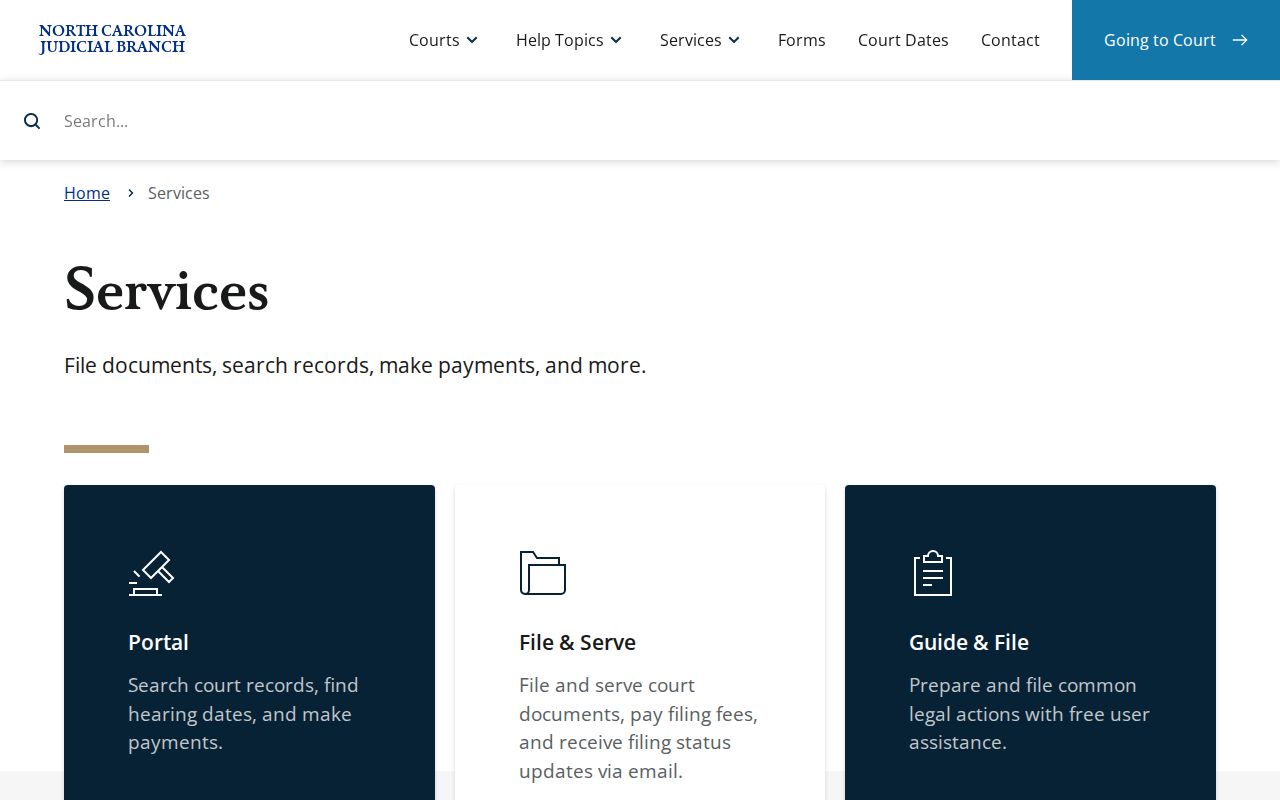 The service split helps an Edgecombe County searcher choose a case-viewing tool rather than a filing product.
What a Court Docket Shows
The Portal’s detailed docket view for Edgecombe County goes by two names, Case Summary and Register of Actions. Think of it as a live chronological record, not a docket-sheet PDF frozen in place. Begin with Case Information and Assignment Information. From there, work through the parties, Case Events, hearings, dispositions, and Financial Information panels where they appear.
Do not read too much into a missing panel. Portal displays sections only when information is available. Public access hinges on the case and each document’s status. For the official local record, the clerk’s file still governs. Ask the clerk when the document you requested does not show up on screen.
| Case number | Identifies the Edgecombe County file and its court-system coding. |
|---|---|
| Case Information | Shows available case type and assignment details. |
| Party Information | Lists public party information, with protected data limits. |
| Case Events | Chronological filings, orders, returns, settings, and other recorded actions. |
| Hearings | Available hearing information; Search Hearings is stronger for a current setting. |
| Disposition | Shows an available outcome or case-status information. |
The statewide eCourts overview explains the statewide Portal and case-management framework.  Those fields explain why a case event and a hearing line should be read together before treating a date as current.
Edgecombe County Case Numbers
Enterprise Justice builds case numbers from a two-digit year, case-type letters, a six-digit sequence, a dash, and a three-digit county identifier. Edgecombe County’s identifier is -320. The statewide example 21CR000003-910 shows the format only. It is not an Edgecombe County case.
Read the whole number instead of trusting a city name or the type letters alone. A complete number is the strongest Portal search key. It also matters for eligible online payment searches. The type letters hint at the category, yet they say nothing about whether a case is public, payable, or still set for a court date.
- Case Summary
- The Portal’s available detailed timeline for a public case.
- Case Event
- A dated action entered into the court record, such as a filing, setting, return, or order.
- Register of Actions
- Another name for the chronological case timeline shown as a Case Summary.
- County identifier
- The final three-digit portion of the Enterprise Justice number; Edgecombe County uses 320.
Note: A case code points to a record path. It does not promise that every document tied to it can be viewed online by the public.
Which Courts Keep Dockets in Edgecombe County
North Carolina runs a unified General Court of Justice. One clerk structure handles Edgecombe County’s trial-level court records. Superior Court District 8BC takes felonies, higher-value civil matters, and certain appeals. District Court District 8 handles misdemeanors, traffic infractions, family and juvenile matters, and most lower-value civil actions. Magistrates sit as District Court officers rather than running a separate Edgecombe County court database.
The Edgecombe County Clerk of Superior Court keeps the public record across all these channels. That shared custody has a payoff. A Portal search or a clerk terminal can reach several docket types under one county location.
| Court or path | Docket covers | Public search route |
|---|---|---|
| Superior Court District 8BC | Felonies, civil cases above $25,000, and certain appeals. | Portal, clerk, and Superior coordinator. |
| District Court District 8 | Misdemeanors, traffic, family, and civil cases at or below $25,000. | Portal, clerk, and District coordinator. |
| Magistrate assignment | Assigned small claims and preliminary criminal work. | Portal and Edgecombe County Clerk. |
| Estates or special proceedings | Clerk-administered estate and proceeding records. | Portal advanced filters and clerk file access. |
North Carolina’s court overview provides the statewide hierarchy behind the Edgecombe County docket routes.  The hierarchy is why a traffic or small-claims search should not begin with a made-up municipal court portal.
Edgecombe County’s 2025 Docket Shift
April 2025 brought Edgecombe County onto eCourts Track 8 with the eastern counties. By October 2025, the Judicial Branch reported eCourts complete statewide. Enterprise Justice ran in all 100 counties. The practical result for Edgecombe County is simple. Portal now serves as the main public layer for searches, hearings, and eligible payments.
Older county records may have migrated into the new system with their historical events attached. Watch for a converted event showing 12:00 a.m. That could be a migration artifact rather than a midnight hearing. Check the event description and hearing information. Ask the clerk when the original timing matters.
The Track 8 eCourts release records Edgecombe County’s transition. 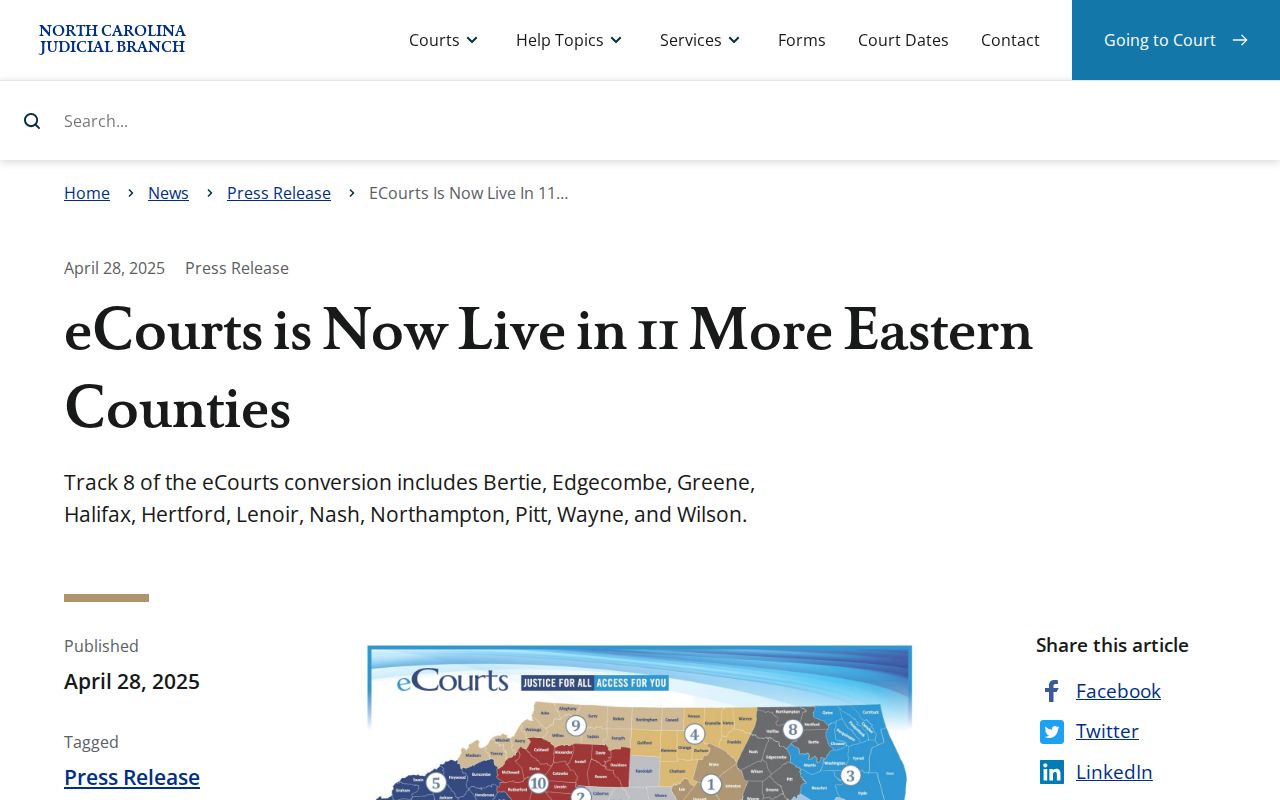 The conversion explains why current searches use statewide Portal terms rather than a former county-built docket site.
Finding Court Dates and Settings
Edgecombe County offers several ways to check a court date. Portal Search Hearings gives the strongest online check for a current hearing’s location and time. Smart Search shows hearing details inside a Case Summary. The county also posts separate civil and criminal calendars. When a date is close or the channels disagree, confirm the division first.
Two coordinators handle settings. The Superior Court Trial Court Coordinator answers at (252) 206-3016. The District Court Trial Court Coordinator answers at (252) 206-3012. The clerk can assist with the case record. The right coordinator is still the more direct route for confirming a setting in that division. For a fuller calendar workflow, see the Edgecombe County court calendar.
The Edgecombe County contact directory identifies the clerk and coordinator channels.  A current court setting should be verified through the division that holds the Edgecombe County case.
Edgecombe County Calendar Settings
Reading an Edgecombe County calendar takes care. The District Court Calendar Request form runs First through Eighth. Its “Second” slot only sets a court date. Short motions, pre-trial conferences, and small-claims appeals fill other categories. A peremptory setting by court order fills another. A setting can be pure scheduling, not a trial. A continuance behaves the same way, postponing a matter rather than dismissing it. The District 8 criminal and infraction policy backs that up. No continuance is automatic. Plan around the original date until a new official entry or instruction appears. If you miss a setting, contact the clerk promptly. The steps and any order are case-specific.
The Edgecombe local rules and forms page publishes the county’s calendaring materials. Those local labels beat reading every setting as a trial date.
Public Access to Dockets
Public inspection is the starting rule for Edgecombe County court records. State laws and court rules carve out confidential material. Portal shows public Case Summary information and public documents. Sealed or confidential cases stay hidden, along with juvenile records, unreturned warrants, and restricted protective-order information.
Do not respond with a wider search. A missing online docket can mean several things. Each cause has a different fix. It may be protected, an image the clerk has not processed, or a file needing office help. The clerk’s terminal and public file route still matter for records Portal does not fully display.
Key Rules:
G.S. 7A-109 requires the clerk to maintain court records, dockets, and indexes and provides for public inspection unless access is prohibited.
G.S. 132-6.2 addresses providing existing public records and does not require an agency to create a new record.
G.S. 15A-146 addresses expunction after specified dismissals or not-guilty outcomes, which can change public access.
Note: Sealed and confidential access questions turn on the case and the applicable law. A public Portal account changes none of that.
Edgecombe County Portal Limits
Registration does not open restricted Edgecombe County cases. Anyone can search public information without an account, and registration mainly supports My Cases. Elevated access demands a qualifying legal role. Even elevated access keeps sealed or confidential material hidden. Documents download one at a time. A large-file error can mean the clerk needs to reprocess an image, not that no record exists. Viewing or printing fees may apply, but no one universal Portal price is published.
The Edgecombe County Judicial Branch hub links the local court, Portal, and calendar resources. 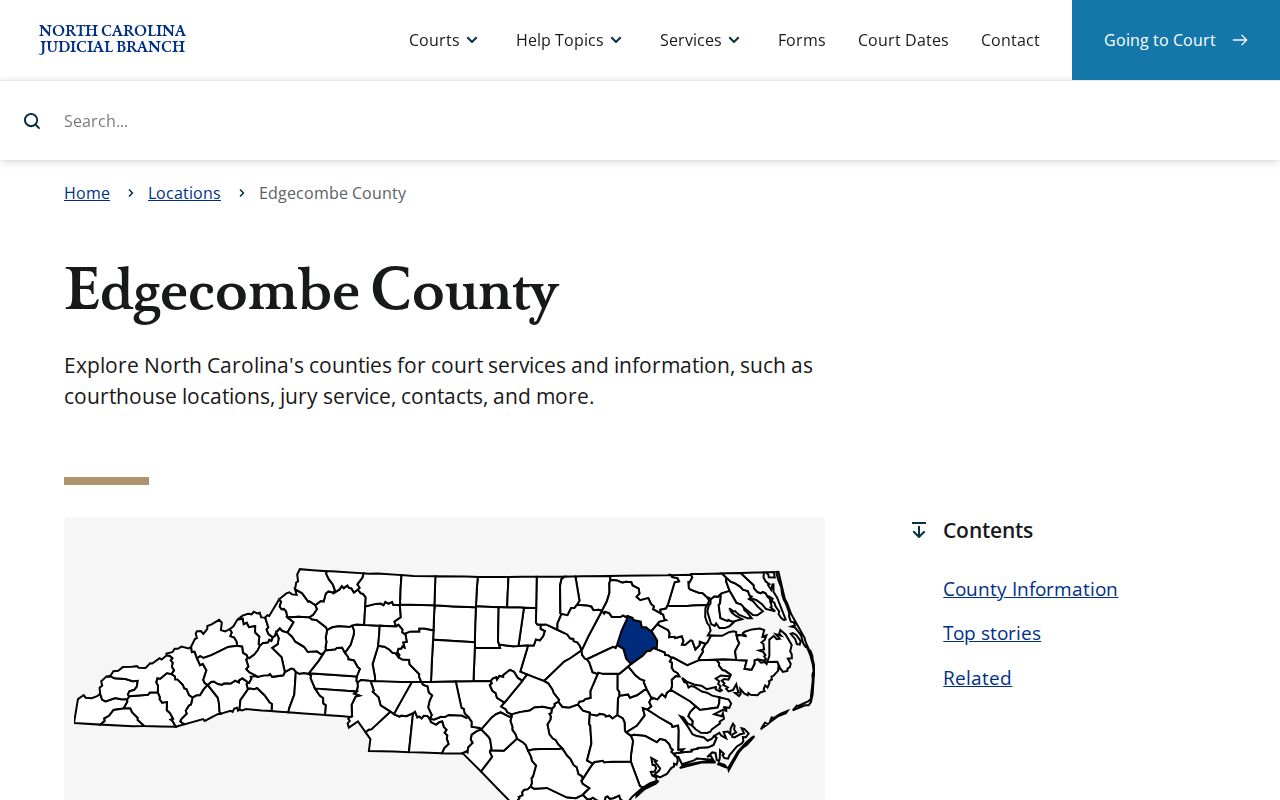 Use the clerk’s records channel when a public result needs confirmation or an image will not open.
The Clerk and Docket Records
The Edgecombe County Clerk of Superior Court keeps the county's court records for both Superior Court and District Court: case files, dockets, indexes, estates, and special proceedings. Two offices serve the public. You can stop in Tarboro or Rocky Mount. When a case file is public, you may read it at either clerk office or pull it up yourself at the public self-service terminal.
Need a copy, a certified document, a current payoff figure, or help with an older case or a Portal problem? Call the clerk before you mail any payment. Statewide preparation charges are set at $2.00 for the first page of a document, then $0.25 for each additional page or fraction. A certificate under seal runs $3.00. Exemplification is listed at $10.00. Ask the office to confirm exactly what you want and the total cost before you send money.
Edgecombe County Clerk of Superior Court
301 St Andrews St.
Tarboro, NC 27886
(252) 824-3200
Edgecombe County Courthouse
Rocky Mount Judicial Center
305 Cokey Rd.
Rocky Mount, NC 27802
(252) 212-3102
Clerk access location
The Judicial Branch data and statistics page is the official route for labeled court statistics rather than a substitute for an Edgecombe County case search.  County-level statistics should be read with the report caption and reporting period before drawing conclusions about a specific docket.
Edgecombe County Official Records
A case summary, a filed document, and a clerk-issued copy are three different things. The Portal timeline is just an access view. An image of a public document may sit online. Not every filed item is public, uploaded, readable, or downloadable. For a certified or authenticated output, you must go through the Edgecombe County Clerk's process.
The statewide Judicial Branch public-record request form covers records held by NCAOC. It says so plainly. It does not replace a county case-file request. So for an Edgecombe County docket, pleading, order, judgment, or local file question, start with the clerk. Skip firing off a broad NCAOC request.
Judicial Branch court-record instructions also draw lines between terminal, file, copy, transcript, and audio paths. Those distinctions help. They keep an Edgecombe County request aimed at the record you actually need. You avoid chasing five records you don't.
Edgecombe County Traffic Docket Route
Traffic citations filed in Edgecombe County run through the state court system. District Court handles the infractions and misdemeanors. The Edgecombe County Clerk keeps the court case record. Portal can search a known case number or party name. Its advanced search works off a citation number. The criminal calendar and Search Hearings add date and location checks.
A ticket may be eligible for payment. Eligibility is case-specific, though. A payable citation, a contested matter, and a missed setting each follow their own path. The documented channels are the county payment page, Portal, and the clerk. A city police department or town office does not hold an Edgecombe County court docket.
For the court-file, date, and payment distinctions, see Edgecombe County traffic court records. The NCDMV record is a separate state record. It sits apart from the clerk's court case file.
Court Dockets by City in Edgecombe County
Five city profiles cover the county: Rocky Mount, Tarboro, Princeville, Pinetops, and Macclesfield. They rest on the North Carolina Office of State Budget and Management's July 1, 2024 municipal estimates. None of these cities runs its own municipal court docket, calendar, or citation-payment portal. City police and town offices can handle municipal questions. An Edgecombe County court case still follows the state District Court, clerk, and Portal route.
Rocky Mount deserves extra care. The city straddles Edgecombe and Nash counties. Let the citation, Portal location, assignment, or case number tell you which county holds the record. A Rocky Mount address alone does not place the case with the Edgecombe County clerk.
Rocky Mount Court Docket
15,375 in Edgecombe County, 2024 estimate. Check the county filter before reading a Rocky Mount case.
Tarboro Court Docket
10,695, 2024 estimate. The county-seat courthouse is a state court facility, not a town court.
Princeville Court Docket
1,265, 2024 estimate. Town Hall is distinct from the county clerk’s record route.
Pinetops Court Docket
1,202, 2024 estimate. Police agency information and court docket custody are separate.
Macclesfield Court Docket
409, 2024 estimate. Portal and the clerk are the verified court channels.
The official incorporated-places reference provides geographic context for Edgecombe County communities. 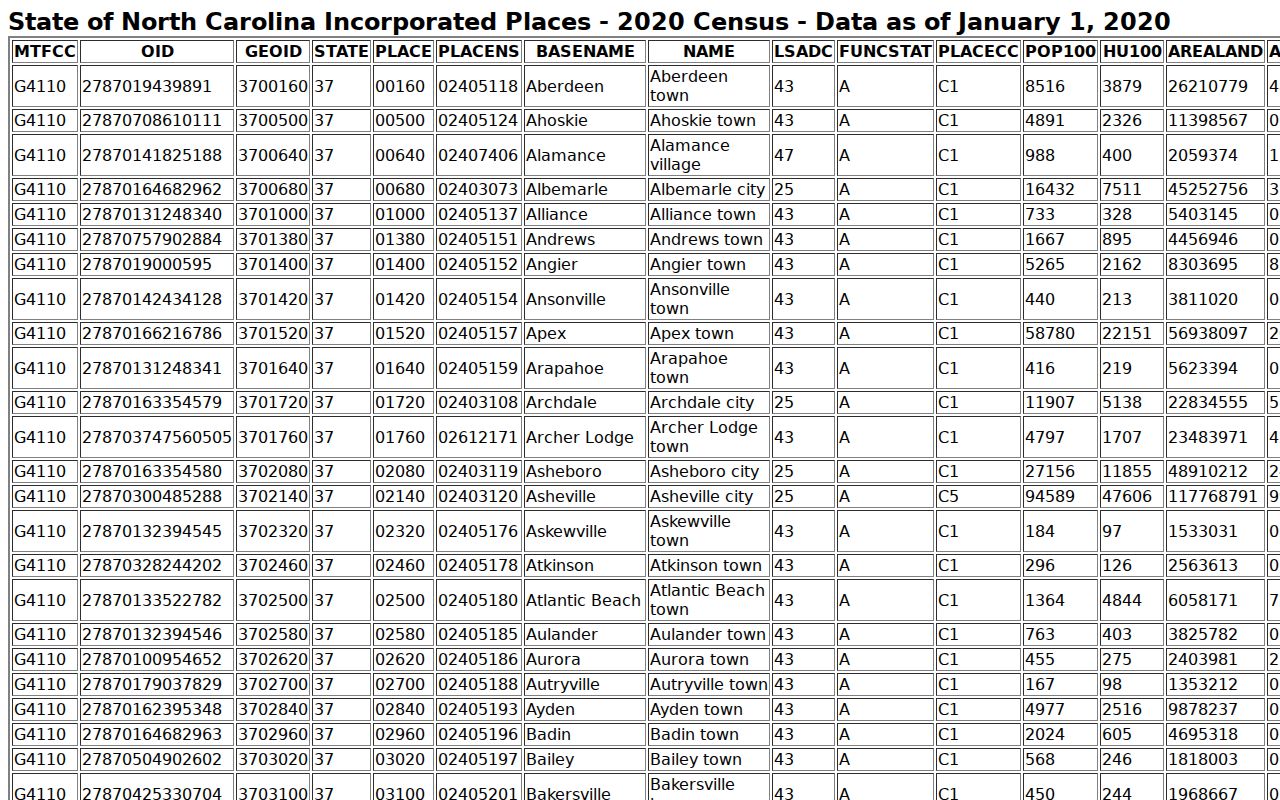 City identity helps route a search, but the county assignment controls which clerk keeps an Edgecombe County case.
Map and Directions to the Edgecombe County Courthouse
Edgecombe's Superior Court, District Court, special-proceedings, and estate files are kept by the Clerk of Superior Court at the Edgecombe County Courthouse in the county seat of Tarboro. The Judicial Branch lists wheelchair access at this location. The Clerk also keeps a second public access point at the Rocky Mount Judicial Center, since Rocky Mount is the county's larger urban area; both sites use the same unified filing system.
Edgecombe County Courthouse
301 St Andrews St.
Tarboro, NC 27886
(252) 824-3200
Monday through Friday, 8:30 a.m. to 5:00 p.m.
Rocky Mount Judicial Center
305 Cokey Rd.
Rocky Mount, NC 27802
(252) 212-3102
Monday through Friday, 8:30 a.m. to 5:00 p.m.
No official source publishes a security, parking, or transit policy for either building, so confirm terminal access and any accommodation need by calling ahead: Tarboro at (252) 824-3200 or Rocky Mount at (252) 212-3102.