
How to Search the Pinetops Court Docket
The North Carolina eCourts Portal is where a Pinetops court docket search begins. Smart Search works with a public case number or a party name. Choose Edgecombe in the Location filter for a Pinetops matter. Then open the Case Summary or Register of Actions. The town itself offers no court database, municipal calendar, ticket lookup, or payment page.
- Search Portal by public case number or party name.
- Limit a Pinetops result to Edgecombe when needed.
- Read available Case Events, Hearings, Dispositions, and Financial Information.
- Run Search Hearings for current place and time.
- Use the Clerk terminal or counter for a missing image, old file, protected case, or official copy.
Note: A Pinetops police citation can turn into an Edgecombe court file. The police office does not keep the court docket.
Pinetops Court Docket Search Fields
The Portal's basic search field takes a case number or party name. Advanced filters narrow results by Location. Filters also cover case type, status, filing date, or date of birth where appropriate. To search by Citation Number, select it as a search type through advanced filtering. An Edgecombe case number for Pinetops ends in -320. The full case number is still the most precise public search choice.
| Field | Pinetops court docket use |
|---|---|
| Case Number | Use the complete Enterprise Justice number if known. |
| Party Name | Use Smart Search, then narrow a public result. |
| Edgecombe Location | Keeps a Pinetops result in the county system. |
| Citation Number | Requires the matching advanced Search Type. |
| Search Hearings | Provides a hearing location and time. |
The Portal exists for viewing records. File & Serve handles filings separately, and a registered account does not unlock restricted Pinetops records.
The Pinetops Municipal Court
Pinetops has no municipal court, municipal docket, city judge, ticket lookup, or town payment channel. When a matter is filed in state court, the Pinetops court docket belongs to Edgecombe District Court. The Clerk sits there too. District Court takes traffic infractions and misdemeanors. Felonies and other qualifying assignments go to Superior Court. Treat the absence of a local court as fact. It is not a gap to fill with an invented one.
The town's history adds character but not a court system. Founded in 1901 and incorporated in 1903, Pinetops grew around a railroad station. None of that creates a separate record keeper. Pinetops court records stay within the Edgecombe system.
Pinetops Police Court Docket Split
Pinetops Police sits at 101 E. Hamlet St., Pinetops, NC 27864, the same address as Town Hall, and can be reached at (252) 827-5014. The town describes a department that runs around the clock with seven budgeted full-time sworn positions. Those are agency facts, though, not court hours. A police office can issue a citation or hold incident records, while the Clerk keeps the Pinetops court docket showing case events, hearings, dispositions, and certified documents.
That split matters when you need an answer fast. Call the agency for issuer questions. For a court date or case-file question, use Portal, Search Hearings, or the Edgecombe Clerk. The Pinetops Police page gives the official agency context.
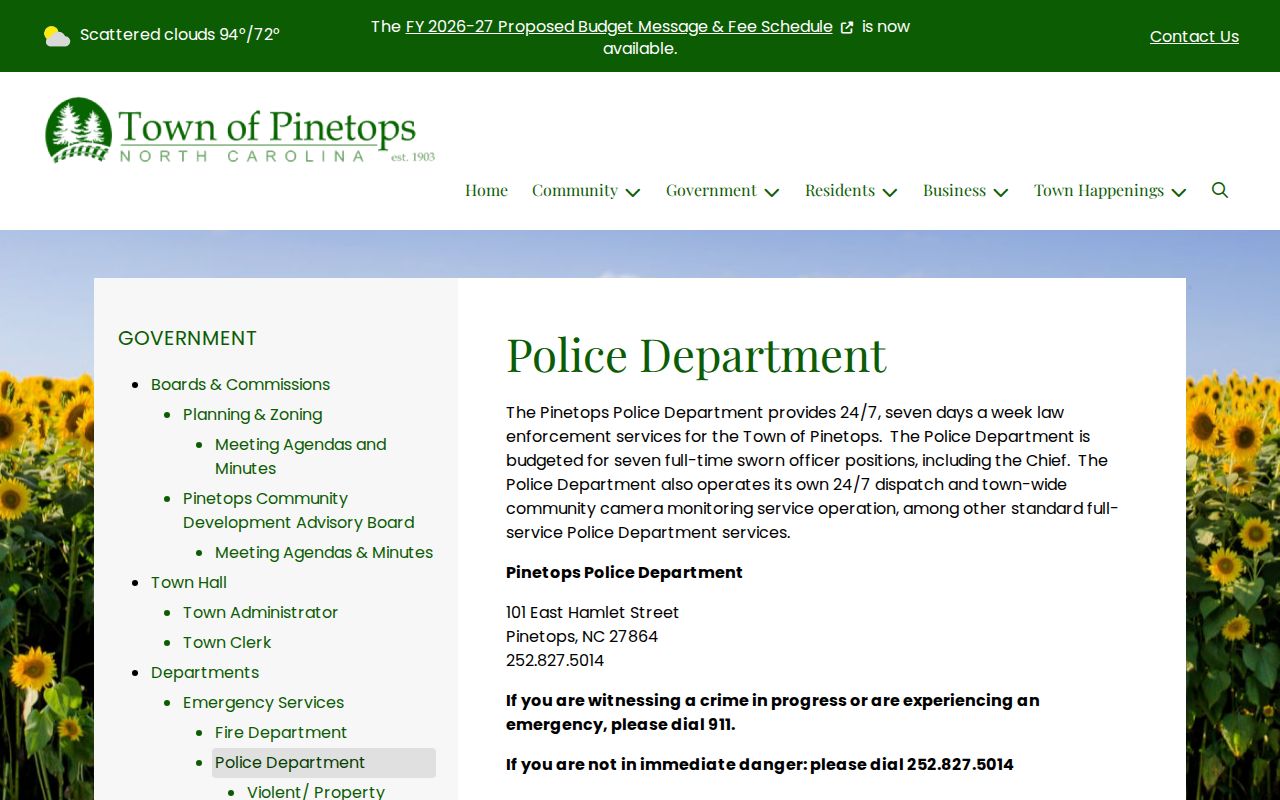
Police records and Pinetops court docket records are two separate public channels.
Pinetops Court Docket Dates
Confirm a Pinetops court docket date through Portal Search Hearings and the Case Summary, then the county calendar if needed. Search Hearings gives the public hearing location and time. The Edgecombe criminal calendar is a good supplement. Need a District Court setting confirmed right away? Call the District coordinator at (252) 206-3012; the Clerk's case-record line is (252) 824-3200.
| Case Information | Basic public case identity and type when present. |
|---|---|
| Assignment Information | Recorded court assignment details. |
| Case Events | Chronological public filing, setting, order, or return history. |
| Hearings | Available hearing data; Search Hearings supplies time and location. |
| Disposition | Recorded outcome when Portal has a disposition block. |
An older date may be stale. Check the newest event and hearing result before you appear.
Pinetops Court Docket Terms
A Pinetops court docket Case Summary can include Case Information, Assignment Information, Party Information, Case Events, Hearings, Dispositions, and Financial Information. It depends on the case. A missing block does not prove the information never existed. Portal simply shows a section when information is available. Historic records converted into Odyssey may carry a 12:00 a.m. timestamp. That is not always the true time of the older event.
- CR
- Indicates at least one criminal offense in the state’s case-number explanation.
- IF
- Indicates an infraction-only matter in that explanation.
- Case Event
- A dated public entry such as a filing, order, setting, return, or disposition.
- Setting
- A calendared court proceeding that is not automatically a trial.
These terms help a Pinetops court docket reader tell a case record from a police incident record.
Pinetops Traffic Court Docket
A Pinetops ticket that becomes a court matter lands in Edgecombe District Court. In Portal, use the Citation Number search type. Add Edgecombe Location and Criminal or Infraction filters when they fit. The -320 suffix marks an Edgecombe case. For dates, follow the chain of Search Hearings, the criminal calendar, and the District coordinator. The town runs no city ticket portal.
Eligible obligations may be paid online, by mail, or in person. Payment is case-specific, may not cover every charge, and never replaces a required appearance. For the full county route, see Edgecombe County traffic court records.
Pinetops Court Docket No-Match Route
A no-match result on a Pinetops court docket search does not mean the case is gone. Start with the basics. Check the spelling, the complete case number, the Edgecombe Location, and the case category. Cases get held up in processing. Others sit older than the online material, need a different search term, get filed elsewhere, or fall under legal restriction. When an online search comes up empty, the Edgecombe Clerk terminal and public file are documented alternatives.
Pinetops no-match: Search Portal first, then use the Clerk counter or terminal for a public file question. Do not treat the town police office as the court-file archive.
Miss a setting? Contact the Clerk promptly. A continuance or any other change shows up only through an official court action, never an assumed date change.
Where Pinetops Cases End Up
Pinetops cases that enter the state system usually begin in Edgecombe District Court. That court handles traffic infractions and misdemeanors. Felonies are docketed in Superior Court. Magistrates serve as District Court officers, not as a separate Pinetops court system. One unified Clerk structure keeps county-level access. Through it, the Pinetops court docket stays reachable across both trial-division paths.
Docket flow: Pinetops Police or local agency for issuer questions › Edgecombe District Court and Clerk › Portal Case Summary and Search Hearings › Superior Court for an appropriate assignment or appeal.
That sequence explains why the Pinetops court docket sits with the Clerk. For the full county court framework, see the Edgecombe County court docket home.
Pinetops Court Docket Public Limits
Portal offers free public access to case summaries. But it hides sealed or confidential cases, juvenile records, unreturned warrants, and protected-order information. An account unlocks My Cases, yet it cannot override those access rules. Want a certified copy of a Pinetops court docket? The Clerk handles that, not Town Hall or the Police. Current county base copy fees run $2 for a first page. Each additional page costs $0.25. The official Town of Pinetops site supplies the city context.

The town view frames Pinetops locally without mistaking municipal administration for court-record custody.
Pinetops Court Docket Audio Records
A Pinetops court docket is not a verbatim audio record. The two are different things. The Judicial Branch runs a separate process for a duplicate copy of nonconfidential recorded proceedings. An actual CD cost applies only when a recording exists. So ask the Clerk what your request concerns. It could be the court file, a copy, certification, or an available audio record. The town itself runs no local audio request system. The official nonconfidential audio-request form shows what this court record involves.
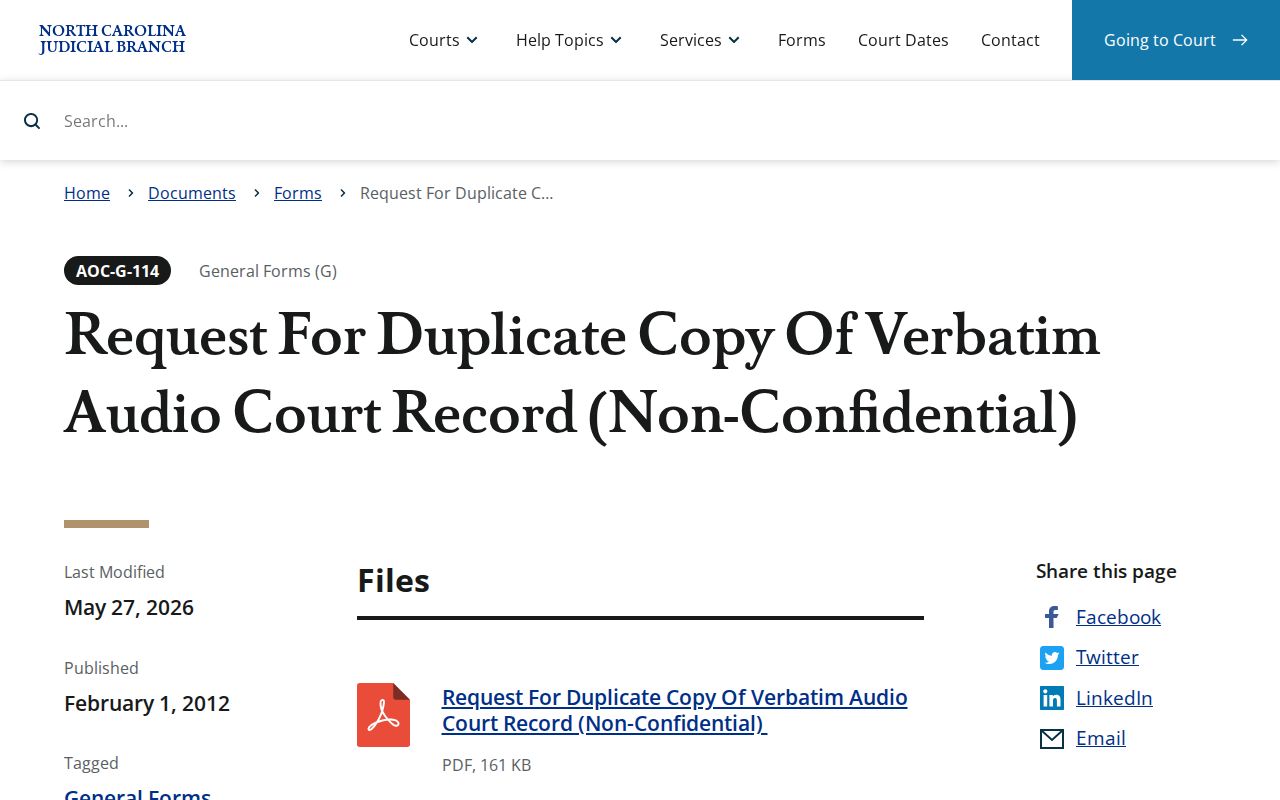
The separate audio request shows why a Pinetops court docket and its related court records do not share one access process.
Public Access to Pinetops Court Records
Under G.S. 7A-109, the Clerk's court files, dockets, and indexes stay open for public inspection during regular hours. Law can restrict access in some matters. Portal is the online public layer for the Pinetops court docket. The Edgecombe Clerk terminal and file counter are the physical alternatives. Note that the NCAOC public-record request form covers existing administrative records. It does not replace a local court-file request.
Key Rules:
G.S. 7A-109 - Clerks maintain dockets and generally allow public inspection unless law restricts it.
G.S. 132-6.2 - Existing agency records are provided where practicable without a duty to create a new record.
G.S. 15A-146 - Qualifying dismissed or not-guilty criminal records may have statutory expunction paths.
The Pinetops court docket follows those public-access and restriction rules even when a local Town of Pinetops officer wrote the citation.