
How to Get Court Records
Know three things before you ask. Bring the case number or party name, plus the exact record you want. The North Carolina eCourts Portal offers a public Smart Search. It pulls up the Case Summary, formally the Register of Actions, and sometimes shows public documents once they have been uploaded. It is a viewing tool. The Edgecombe Clerk of Superior Court holds the county case files for Superior Court, District Court, special proceedings, and estates. That office produces certified copies. When the Portal comes up short, the public terminal or paper file at a clerk location is the documented fallback.
- Use Portal or the case file to identify the full case number, division, document, and date needed.
- Decide whether the request is for the viewable Case Summary, an ordinary copy, a certified or authenticated clerk output, an audio record, or a transcript. Those are different requests.
- For an online public document, open the image if available. Portal documents download one at a time and a fee may apply, though the official source gives no set amount.
- For a local file, a copy, certification, older material, or an unclear result, call the clerk at (252) 824-3200 or visit the Tarboro or Rocky Mount clerk access location.
- Before sending money, ask the clerk to confirm the document, applicable fee, payment method, certification, delivery, and any authorization requirement.
Mail works for paying fees in Edgecombe. But the clerk has no published system for ordering certified copies by mail. No local form, email route, fixed turnaround, or blanket ID rule exists for a court-copy request. Call the clerk first. That one call keeps your request from traveling a route the office does not actually support.
The Edgecombe Clerk Holds Official Files
North Carolina runs one unified Clerk of Superior Court system. In Edgecombe, a single clerk office backs the Superior Court and District Court dockets plus special proceedings and estates. One office handles all of it. There is no separate district clerk to search. G.S. 7A-109 requires clerks to keep court records, files, dockets, and indexes. It also opens them to public inspection during regular hours unless a statute bars access.
Statewide instructions describe public self-service terminals covering criminal, civil, special proceeding, and estate information. The case file itself is different. It gets viewed at the clerk office in the county where the case lives. A terminal helps you confirm the right file before paying for a copy. It grants nothing beyond what the law allows. Sealed or confidential material stays off limits.
The Judicial Branch lays out terminal, file, and copy access for court records on its help page.
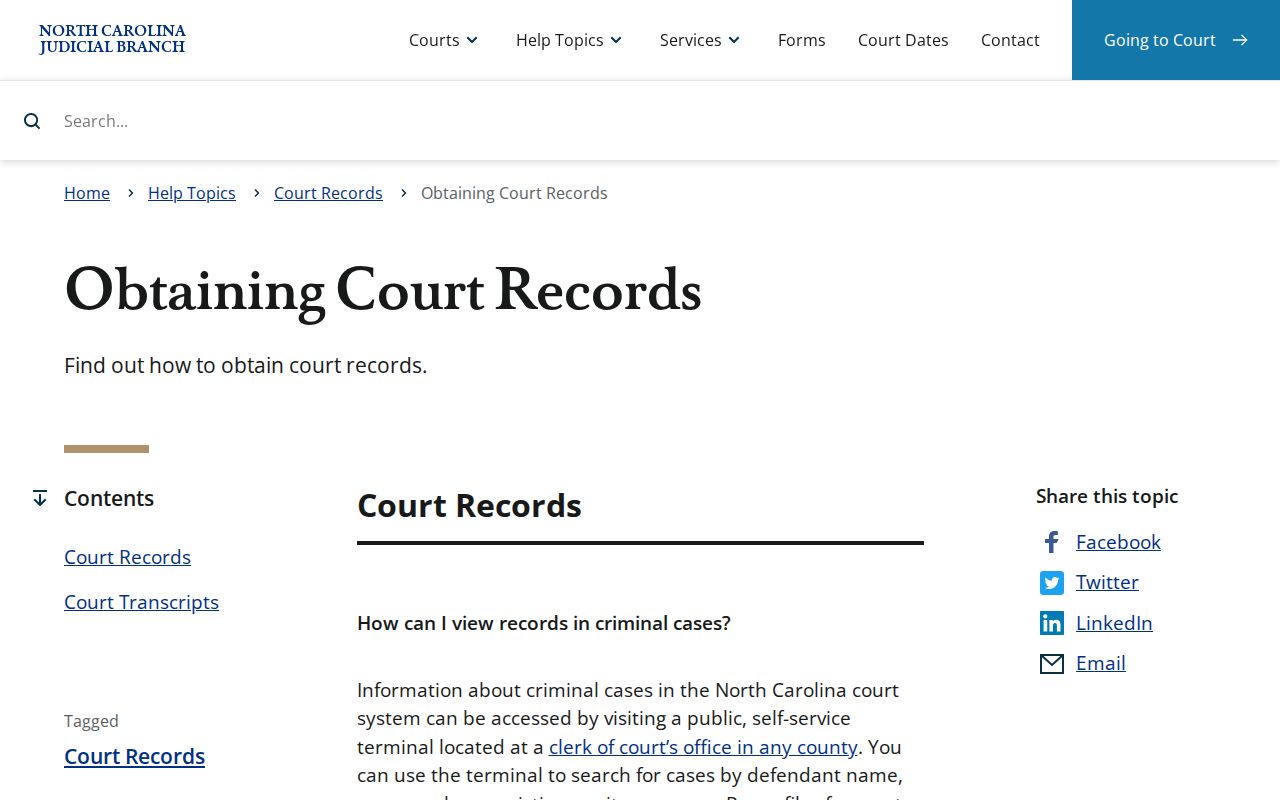
State guidance points to the Edgecombe clerk counter as the local records route. When an online result does not settle the question, the office that holds the file does.
Types of Court Records
Edgecombe County court records come in more than one shape. What you can actually see depends on the case category. Its confidentiality status matters too. So does how it was processed. Portal shows the docket index and any available images. For anything needing inspection or an official output, the clerk's local file is the source. And remember that a docket entry never equals the full case file behind it.
- Case Summary or Register of Actions, with the chronological public Case Events history.
- Filed pleadings, motions, orders, judgments, exhibits, and other public file items when available.
- Superior Court and District Court criminal and civil files, including public special proceeding and estate records.
- Clerk-issued copies, certificates under seal, and exemplifications where the clerk confirms the request.
- Transcripts from the court reporter or transcriptionist and available nonconfidential audio through the clerk's separate form path.
A docket number alone does not make a case public. Sealed and confidential cases, juvenile material, unreturned warrants, and protected online information all follow separate access rules of their own.
Edgecombe Court Record Types Compared
Three Edgecombe County records get mixed up constantly. It helps to know which one you actually need. The Case Summary is the chronological public timeline inside Portal. A filed document is something different. It is an item from the real case file, like a pleading, an order, or a judgment. A certified copy stands apart again. The Edgecombe Clerk of Superior Court produces that clerk-issued official output. A file you download to your own device does not count as one automatically. Figuring out the right item up front saves you a second request later.
| Record | What it provides | Primary route |
|---|---|---|
| Case Summary | Public case information, events, hearings, dispositions, and available financial blocks | Portal Smart Search or public terminal |
| Filed document | Public pleading, motion, order, judgment, exhibit, or other file item | Portal image if present, otherwise clerk file |
| Certified copy | Clerk-authenticated output for the identified item | Edgecombe Clerk of Superior Court |
The Judicial Branch's public-record request information separates court-file requests from administrative records the state office itself holds.
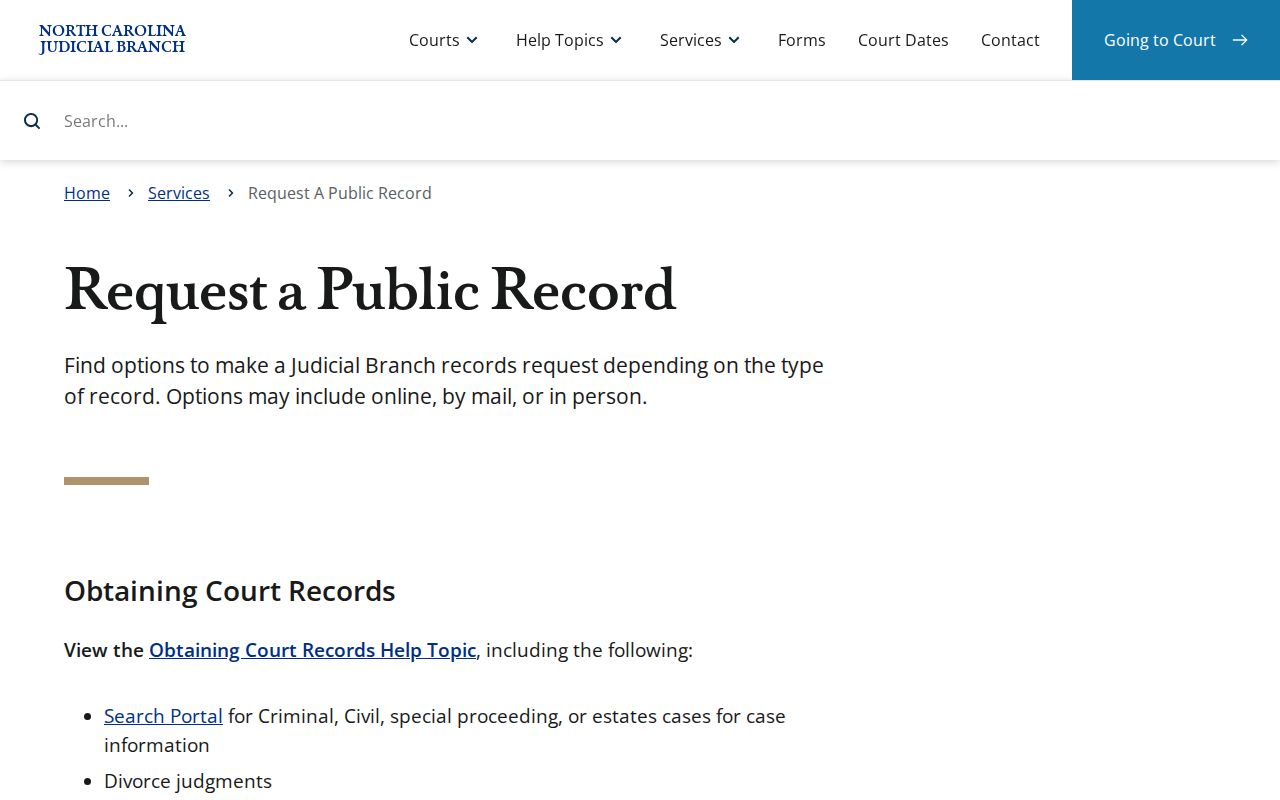
For a county case document, the answer lands back at the clerk. That office holds the local court file in Edgecombe County.
What a Court Record Contains
The Portal's Case Summary shows a block only when that information exists. The public record can include Case Information, Assignment Information, Party Information, Case Events, Hearings, Dispositions, and Financial Information where any of it applies. Civil, family, probate, and mental-health matters may also list Causes of Action. Not all blocks appear in every case. That makes the Case Summary a strong tool for finding an entry. A missing block proves nothing, though. The file may still hold that information or obligation.
| Case number | An Enterprise Justice number with year, case-type letters, six-digit sequence, and three-digit county identifier, such as the published format 21CR000003-910. |
|---|---|
| Case and assignment data | Basic case identity, type, and assignment information when populated. |
| Parties and causes | Public party information and, where applicable, a civil, family, probate, or mental-health cause of action. |
| Case Events and hearings | The chronological register and hearing details. Search Hearings is the stronger current date tool. |
| Disposition and financial data | Outcome and applicable financial blocks when recorded. The clerk confirms current payoff figures. |
Public documents can attach to a case event in the docket. But nothing guarantees every document is online, readable, downloadable, or unrestricted.
Edgecombe Court Record Download Limits
Portal lets you view, not file. Filing happens through a separate product called File & Serve. When you pull public documents from Portal, each one downloads on its own. New items can lag behind too, since documents show up only after upload and processing. The FAQ also warns that viewing or printing fees may apply. It gives no flat amount. So a public case result may name a document. It may still fall short of what a clerk file request gets you.
Seeing an ER141011 error? That file is too large for Portal and may need clerk reprocessing. It does not mean the document is missing. Call the right clerk with the case details and the document you want. For old cases, work Portal first, then try a terminal or a case-file inquiry. Let the clerk steer you to any storage or archive issue.
Note: Historic entries converted after Edgecombe's 2025 Odyssey migration can show 12:00 a.m. Confirm an original time or source with the clerk.
Certified Copies and Fees
Do not assume "certified copy" names one fixed service. Ask for the exact item. The current statewide chart lists copy preparation and separate authentication charges. A certificate under seal runs $3. An exemplification, a more formal authentication, is listed at $10. The chart does not label every certificate a certified copy. Have the clerk confirm how it will handle your document. Portal document fees may apply as well. The clerk sets no fixed amount for them.
| Item | Published amount | Scope |
|---|---|---|
| First page of a document copy | $2.00 | Copy preparation under the 2026 statewide chart |
| Each additional page or fraction | $0.25 | Copy preparation under the same chart |
| Certificate under seal | $3.00 | Separate certificate charge; confirm the requested use |
| Exemplification | $10.00 | Formal record authentication |
| Criminal record search | $25.00 | Single requested county search, subject to statutory exceptions |
Review the current court-cost chart index before confirming a fee with the clerk.
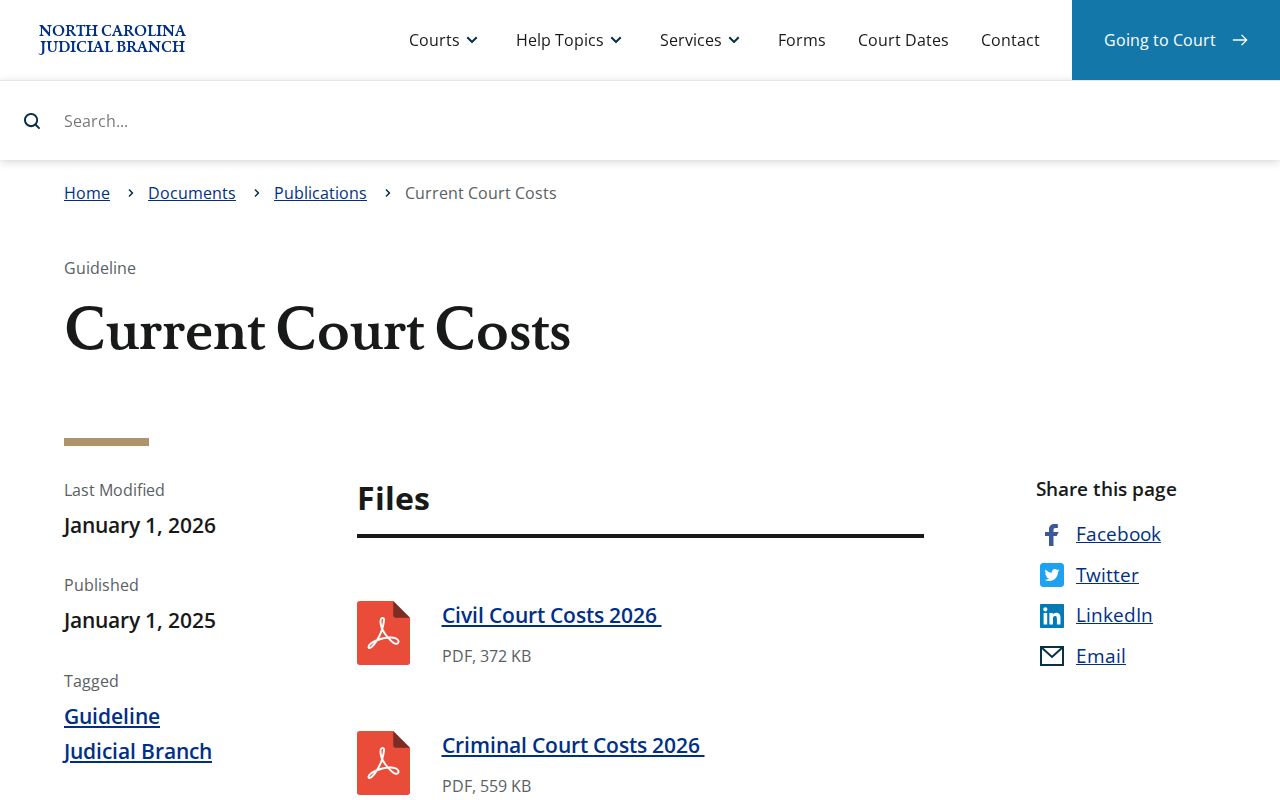
Check the statewide index for the current chart. The clerk confirms which charges fit your actual record request.
Edgecombe Clerk of Superior Court
301 St Andrews St.
Tarboro, NC 27886
(252) 824-3200
Rocky Mount Clerk Access
305 Cokey Rd.
Rocky Mount, NC 27802
(252) 212-3102
Edgecombe Court Record Fee Authority
The copy amounts come from the statewide miscellaneous court-cost material. It takes effect January 1, 2026. Treat them as listed prices, not a promised invoice or turnaround time. Court-reporter and transcriptionist rates are set separately, for instance, and a duplicate audio record carries an actual CD cost when available. Settling the format first keeps a docket copy distinct from a transcript of judgment or a verbatim hearing transcript.
The G.S. 7A-308 fee statute backs the listed clerk charges.
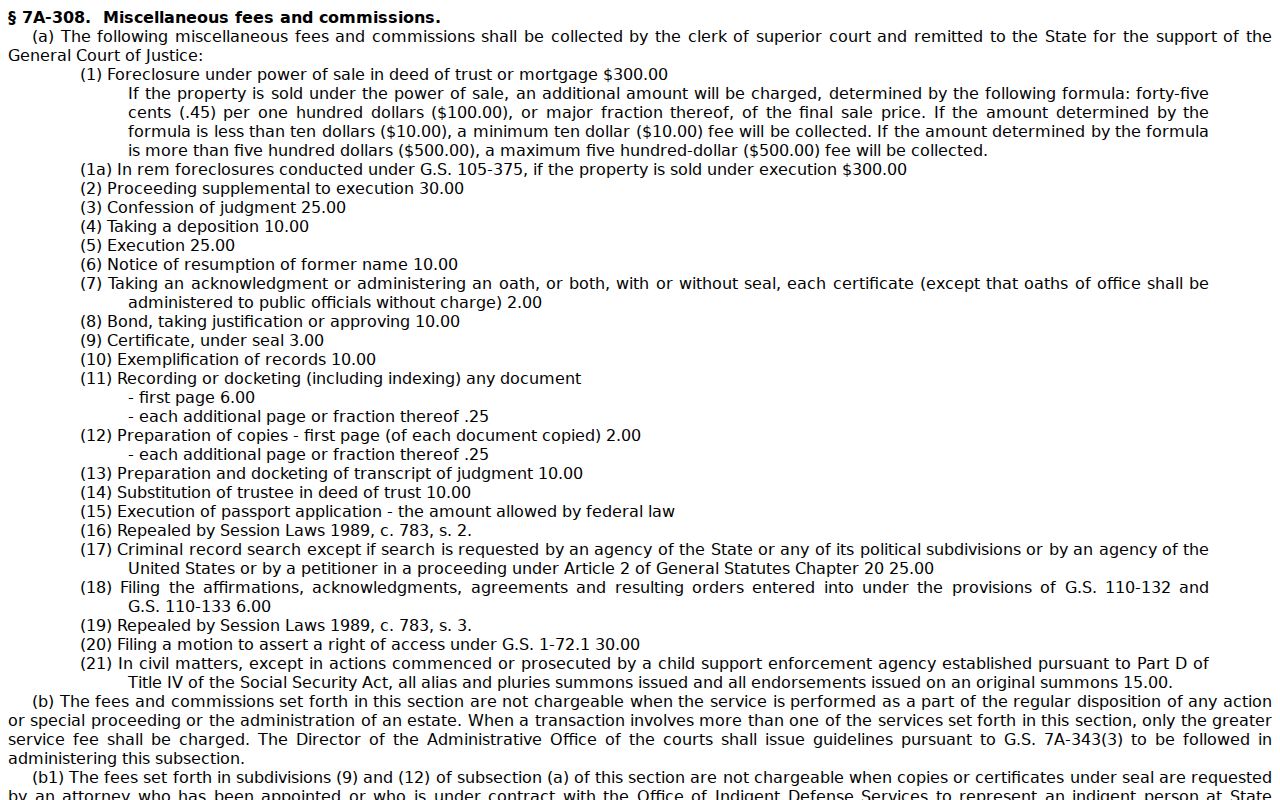
The statute supplies context only. For the fee and certification process tied to a particular file, the clerk remains the proper source.
Public Access and Sealed Records
Edgecombe court files, dockets, and indexes start from a baseline of public inspection. The law narrows that. It applies when a record is confidential or otherwise protected. Portal never shows sealed or confidential cases. That rule covers confidential data and documents as well. Juvenile records, unreturned criminal warrants, and online-protected domestic-violence or protective-order information all carry restrictions. Registering does not unlock them. Ask the clerk only if you are legally entitled to seek a restricted record.
Key Rules:
G.S. 7A-109 requires clerks to maintain files, dockets, and indexes and generally permits public inspection unless access is prohibited by law.
G.S. 132-6.2 concerns existing public records in an agency's custody and does not require creation or compilation of a new record.
G.S. 15A-146 provides a route for dismissed or not-guilty criminal entries to be expunged in the circumstances it states.
Note: A public Portal result is an access layer. It does not prove every record in a case is online, or that a restricted record turned public.
Edgecombe Case File Request Route
The Judicial Branch public-record request form is the wrong route for an Edgecombe county case document. Its own instructions say NCAOC is not the custodian of local court documents or case information. It will not fulfill those requests. The form serves one narrow purpose: an existing Judicial Branch administrative record held by NCAOC. G.S. 132-6.2 adds a limit. An agency need not create or compile a record that does not already exist.
So take any local docket, pleading, order, judgment, certification, or paper-file question elsewhere. Contact the Edgecombe Clerk of Superior Court. That is not a technicality. The clerk holds the county file. Starting there spares you a predictable redirect.
The Judicial Branch public-record request form describes the narrow administrative-record channel.
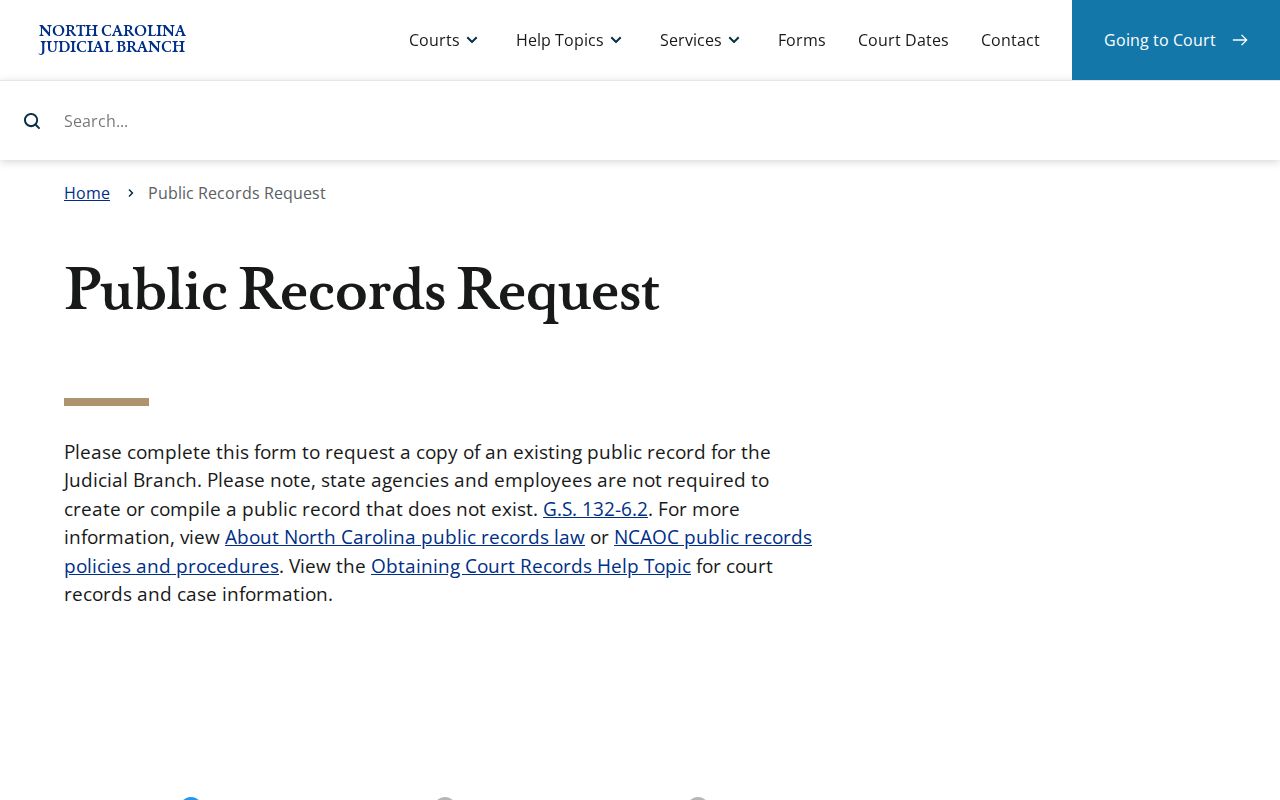
Because of that custodian limitation, an Edgecombe court-file request should begin with the local clerk.