
The Edgecombe County Court Calendar
Edgecombe County offers more than one public route to a court setting. Through the North Carolina eCourts Portal, you get Smart Search and Search Hearings. Smart Search opens the Case Summary, sometimes called the Register of Actions. A case may carry a Hearings section there. A chronological Case Events list may appear as well. Search Hearings does the better job of pinning down a current time and place. The county court hub also links to separate civil and criminal calendar views. Keep any paper notice or citation handy, though. A reset, continuance, or later setting can change what it says.
Two courts operate here. Superior Court District 8BC is one. District Court District 8 is the other. Both run through the Edgecombe Clerk of Superior Court structure. The division matters. Superior Court questions belong with the Superior coordinator. Misdemeanors, infractions, family matters, and many smaller civil settings fit the District Court route. The clerk holds the case file. The clerk can also clear up a record that leaves the date question unanswered online.
For the materials behind local scheduling practice, see the county's local rules and forms directory.
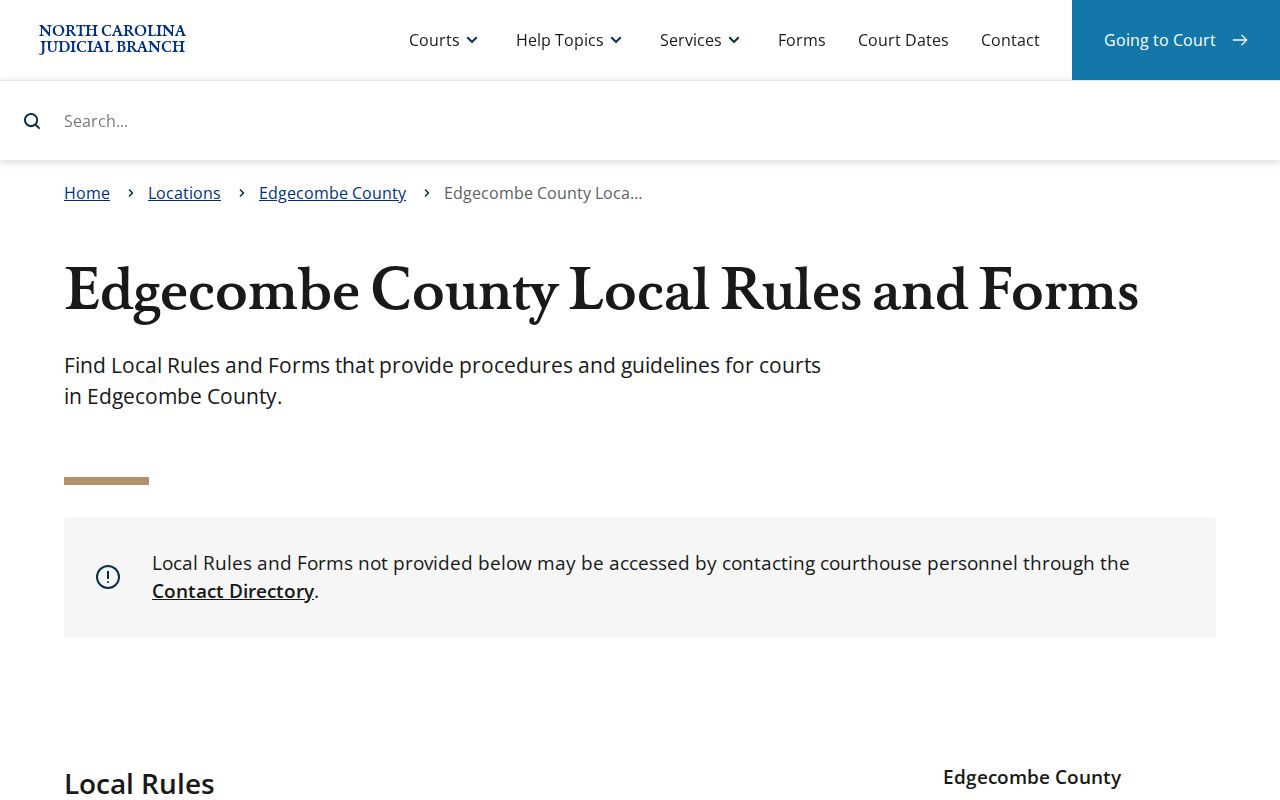
Those local materials explain something practical: an Edgecombe County court calendar line may mark a procedural setting rather than a trial date.
Edgecombe Civil and Criminal Calendars
Edgecombe County posts separate calendar endpoints for civil and criminal matters. Once you know the case type, they make a strong second check after the Portal. Treat the official calendar service as a posted-calendar channel. It may not show every result field. It may not catch same-day changes either. A calendar line may raise questions. Open the underlying Case Summary for the fuller case context.
| Calendar | Best use | Confirmation point |
|---|---|---|
| Civil calendar | Posted Edgecombe civil settings | Portal Case Summary and the appropriate coordinator |
| Criminal calendar | Posted Edgecombe criminal and infraction settings | Search Hearings and the clerk or coordinator |
The official Edgecombe civil calendar is the civil-specific view.
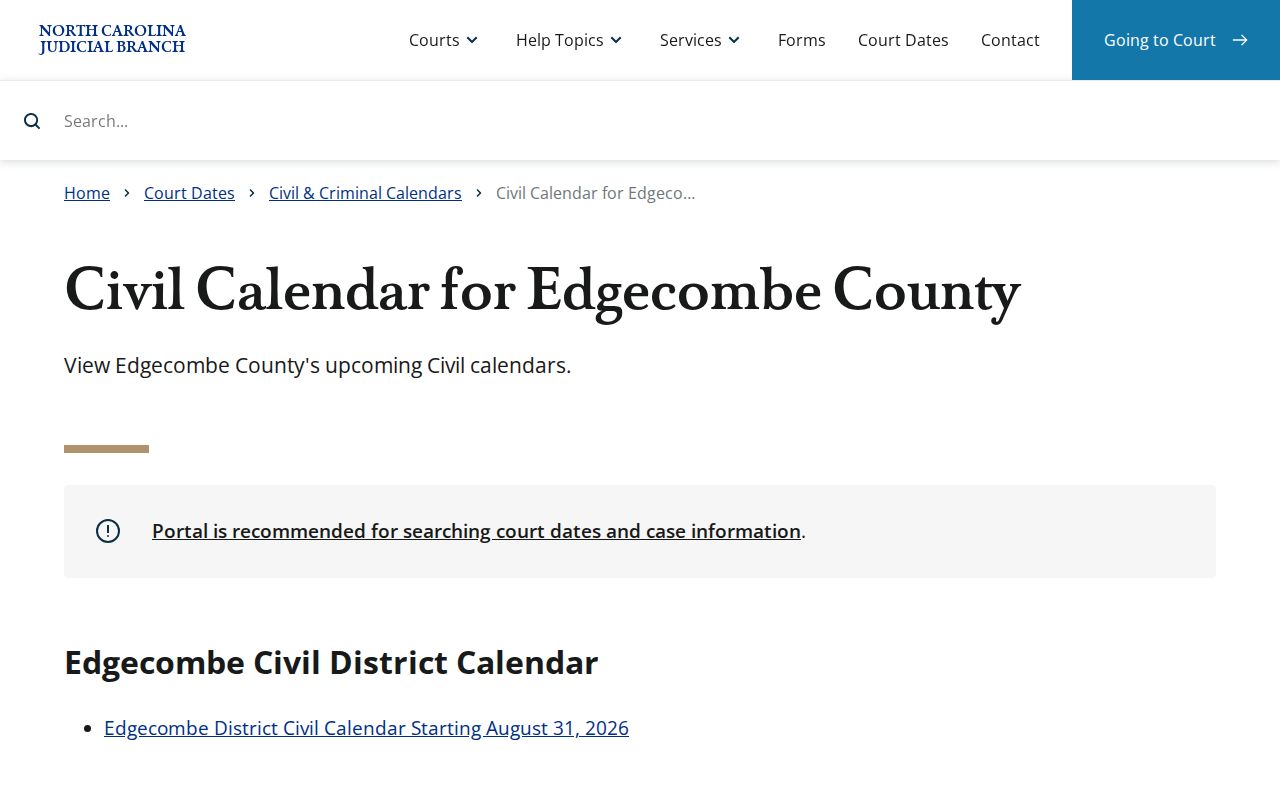
It backs up, rather than replaces, the hearing details inside an individual public case record.
The official Edgecombe criminal calendar is the matching route for criminal cases.
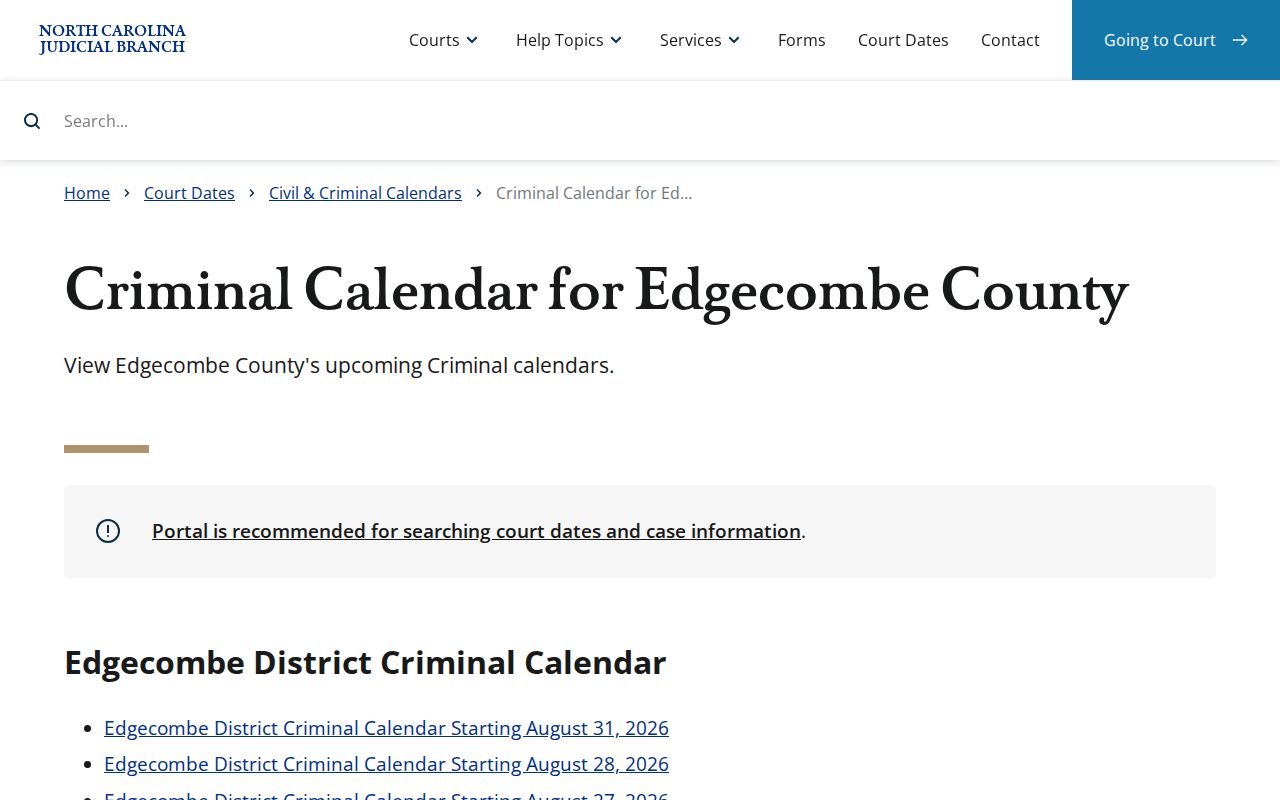
Either posted calendar can change without notice. For an imminent date question, check the newest case event and call the court directly.
How to Find Your Court Date
A complete case number is the sharpest search term. Portal also supports a party-name search, and Search Hearings accepts several criteria at once. Begin online, then turn to the county calendar that matches the case type. None of the public routes replaces a direct confirmation. The Superior coordinator answers at (252) 206-3016, the District coordinator at (252) 206-3012, and the Edgecombe Clerk of Superior Court at (252) 824-3200. For a represented party, an attorney may hold the newest notice or motion history too.
- Open Portal and run Smart Search by the complete case number or party name. Narrow a common name by choosing Edgecombe as the location when appropriate.
- Open the public Case Summary and compare the newest Case Events with the Hearings information. Do not rely on an older event alone.
- Use Search Hearings for a current location and time, then check the linked Edgecombe civil or criminal calendar for the correct case category.
- For a near-term or unclear Superior Court setting, call the Superior coordinator. For a District Court setting, call the District coordinator.
- If online information is missing, visit or call the clerk. Public terminals and the court file are available through the Tarboro and Rocky Mount clerk locations for records that may not be complete online.
For help with a case number or a name search, the county's Edgecombe County case search route lays out the related Portal terminology.
Edgecombe Court Calendar Search Limits
Search Hearings accepts case numbers, party names, businesses, attorneys, judicial officers, courtrooms, and date criteria. It aims to identify a hearing and its time or place, nothing more. The Portal FAQ does not promise every field on every result. It states this plainly. Search Hearings will not say whether a hearing is virtual or in person. Need a virtual link? The clerk provides it outside Portal. That limit means a location line is never a complete attendance instruction.
The tool works best paired with Smart Search. The hearing result gives the current calendar layer. The Case Summary supplies the history. It reveals whether a date was continued, recalled, or followed by another event.
Note: Historic events converted into Odyssey can display 12:00 a.m. That is a migration timestamp, not proof that an old hearing happened at midnight.
Reading a Court Setting
A setting is a calendared court event. It is not a promise. The case will not necessarily be tried that day. Portal shows only the hearing data available for the case, so read the date and time alongside the division, the assignment, and the newest event history. If the record omits a judge, courtroom, or setting label, do not infer one. The right coordinator or the clerk can confirm the current arrangement.
| Date | The scheduled calendar date. Check it against the newest Case Event because an earlier date can remain in the history. |
|---|---|
| Time | The time returned for a hearing. A migrated historic event time of 12:00 a.m. is not a hearing-time instruction. |
| Location | The hearing location or courtroom when Portal supplies it. Search Hearings does not say whether attendance is virtual. |
| Division | Superior Court District 8BC or District Court District 8 helps identify the appropriate coordinator. |
| Setting type | The purpose of the calendar event, which may be a motion, conference, date-determination hearing, or another procedural step. |
The record may also list a disposition or financial details where they apply. Those fields still do not replace a current hearing check.
Edgecombe Court Calendar Categories
Edgecombe's District Court Division Calendar Request form shows why a setting needs context. It may ask for a session and readiness certification. It then names eight local categories. A First setting covers uncontested matters. Divorces are listed first. A Second setting is simply a hearing to determine a court date. A Third setting is a motion of ten minutes or less. All of these labels describe scheduling work, not the merits of a case.
- Fourth setting
- A hearing required by Chapter 50B, another statute, or a court order.
- Fifth setting
- A pre-trial conference before trial rather than the trial itself.
- Sixth setting
- A small-claims appeal, meaning a magistrate decision is moving to District Court for a new trial.
- Seventh setting
- A peremptory setting made by court order.
One more category sits outside the usual seven. When the parties cannot settle on a date, the form can ask for a hearing whose only job is picking one. So the entry describes a request, nothing more. An Edgecombe County court calendar listing names the event scheduled, not any outcome the court has reached about the case itself.
Resets, Continuances, and Cancellations
A continuance just moves a court date later, and only the court can approve it. It is not a dismissal. Asking for one does not create a new date on its own. The March 2026 District 8 policy for criminal cases and infractions says the same thing. A continuance is never automatic. Stay ready for the date already on the docket. Do not change plans unless the record or the court gives an official change. When a hearing does move, check the Case Summary. Run Search Hearings. Look at the matching calendar too. Then call the coordinator for that division.
Weather closures and cancelled sessions get rescheduled by the court, often by mail. Once regular operations resume, contact the clerk rather than trusting an old calendar entry. Keep one more thing in mind. A Portal outage does not extend an appearance or payment deadline. And in a criminal matter, an FTA Recall works only through case-specific court actions. No request or payment from you can produce that result.
For closure and court-day guidance across the state, the Judicial Branch offers its going-to-court information.
The statewide instructions point the same way the local rule does. What controls the next step is an official current setting, never an assumed reset.
eCourts Times on Edgecombe Calendars
Edgecombe joined the Track 8 eCourts conversion in April 2025. The new Enterprise Justice system is also called Odyssey. It made Portal the public layer for case summaries and hearings. File & Serve stayed separate as the filing channel. Because of the migration, older activity can show up in a modern case record carrying a converted timestamp. A historic event stamped 12:00 a.m. is a conversion artifact. Read it as filler, not as the real time a past filing or hearing happened.
The conversion did not hand recordkeeping to a vendor. The clerk remains the custodian. What changed is where a calendar search starts. For an older date, a paper file, or a migrated event needing confirmation, the Edgecombe Clerk of Superior Court is still the local source.
What To Do If You Miss a Setting
Move quickly after missing an Edgecombe County setting. Call the clerk. Bring in an attorney if one applies, to learn the local procedure and where the case stands now. Search Portal for the newest public Case Event. Just do not treat that entry as the full picture of what the court expects back. A judge handles a missed date case by case, possibly setting a new one. Whether an order for arrest, a bond issue, or another consequence follows depends on the case and the court's action.
Missed a Setting? A missed court date can lead to a failure-to-appear entry or other case-specific consequence.
Call the Edgecombe Clerk of Superior Court promptly and use the coordinator for the correct division to confirm the active setting.
Do not treat a request for relief, a payment attempt, or an old calendar line as proof that the missed date has been resolved.
Before trusting a general answer from an older notice, read the Judicial Branch's missed court date instructions.
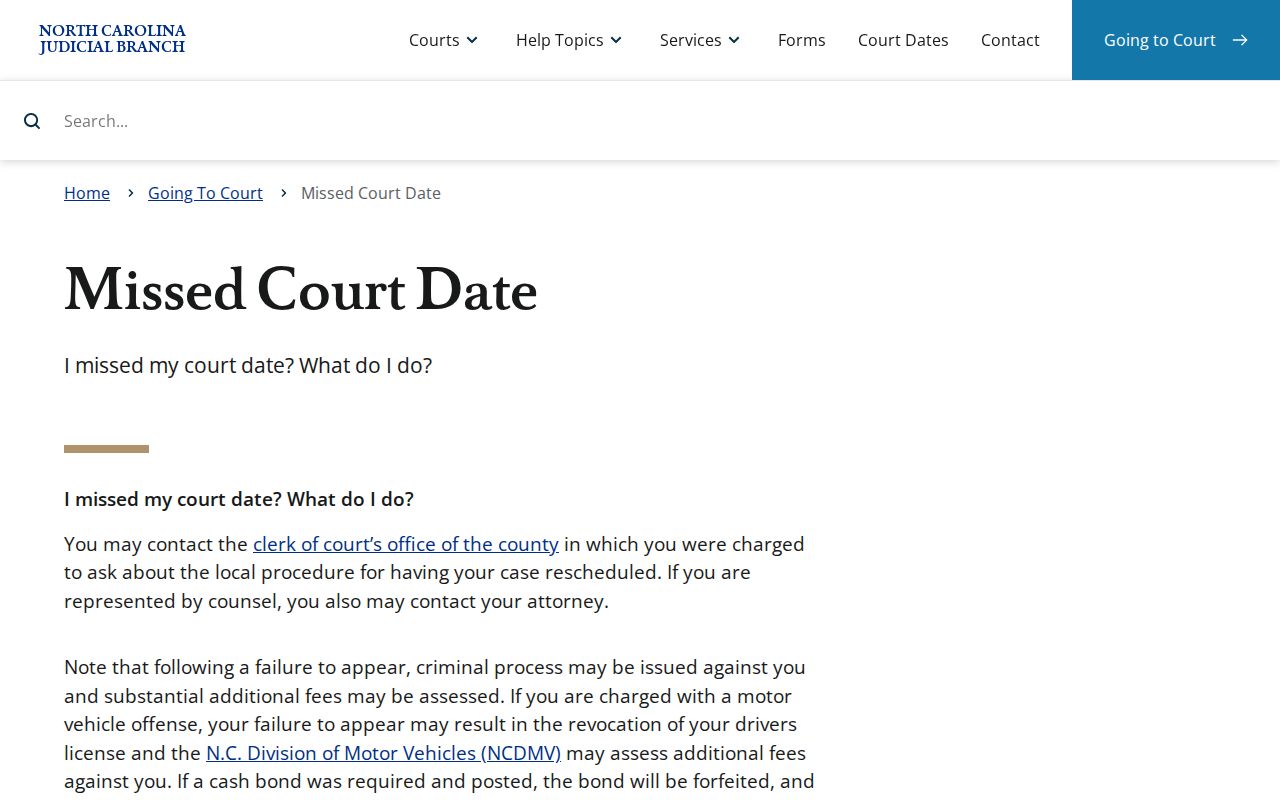
The state guidance backs prompt contact with the clerk. Rescheduling itself stays a decision for the court.
Edgecombe Calendar Help at Two Locations
Edgecombe runs one Clerk of Superior Court structure with public access at two spots. The Edgecombe County Courthouse sits at 301 St Andrews St., Tarboro, NC 27886. Its main clerk number is (252) 824-3200. The Rocky Mount Judicial Center sits at 305 Cokey Rd., Rocky Mount, NC 27802. Its main number is (252) 212-3102. Both keep weekday clerk hours from 8:30 a.m. to 5:00 p.m.
Take calendar questions that depend on the underlying case file to the clerk counter or a public terminal. For a court-specific setting, the coordinator is the sharper contact. That split serves a purpose. It keeps a court date question from turning into a hunt for a separate municipal or magistrate calendar that does not exist.
Note: A public terminal can fill gaps in a case that looks incomplete online, but sealed and confidential material stays off limits under access restrictions.