
Searching Cases by Name
The main tool is North Carolina eCourts Portal Smart Search. Type a party name into the default Case Number or Party Name box. Public results in an Edgecombe County search list every party except victims. Common names are the tricky part. Run the basic search first. Then narrow things down with the Edgecombe County location filter plus type, status, birth-date, or filing-date filters. A masked birth date helps separate people who share a name. It never proves identity.
No account is needed for public information. Create one only if you want to save cases in My Cases. An account does not unlock confidential records. Need a current hearing? After the case comes up, switch to Search Hearings. Then verify any near-term date with the right coordinator or the clerk.
- Open Portal Smart Search, select Edgecombe County, and use the default Case Number or Party Name criterion.
- Enter the available party name, using the published wildcard minimum only when needed.
- Select Edgecombe in the Location filter to narrow a statewide result list.
- Open the public Edgecombe County Case Summary and check Case Information, Case Events, Hearings, and Dispositions.
- Use the Edgecombe County clerk or public terminal if the case is old, not displayed, needs a copy, or has a restriction question.
| Portal field | Type | Required | Published use |
|---|---|---|---|
| Case Number or Party Name | Text | One search criterion in practice | Default Smart Search route for an Edgecombe County case search. |
| Filter by Location | Dropdown | Optional | Select Edgecombe to narrow statewide returns. |
| Case Type and Case Status | Dropdown filters | Optional | Reduce a submitted basic search; they do not replace it. |
| Filing Date Range | Date-range filter | Optional | Available after a search where a date limit will help. |
Edgecombe Portal Case Search
One tool covers case search for the whole state. Edgecombe County dockets live in Portal. That is North Carolina's public window into the Odyssey system, officially called Enterprise Justice. Every county in the state now runs on it. Edgecombe joined in the April 2025 Track 8 conversion. Portal shows case details and public documents for the Edgecombe County court docket. It does not accept filings, though. Lawyers and parties file electronically through File & Serve instead. A docket search in Portal opens the public Edgecombe County Case Summary or Register of Actions.
Need help with a search? The courts' own Portal training resources walk through Smart Search and Search Hearings for public users.
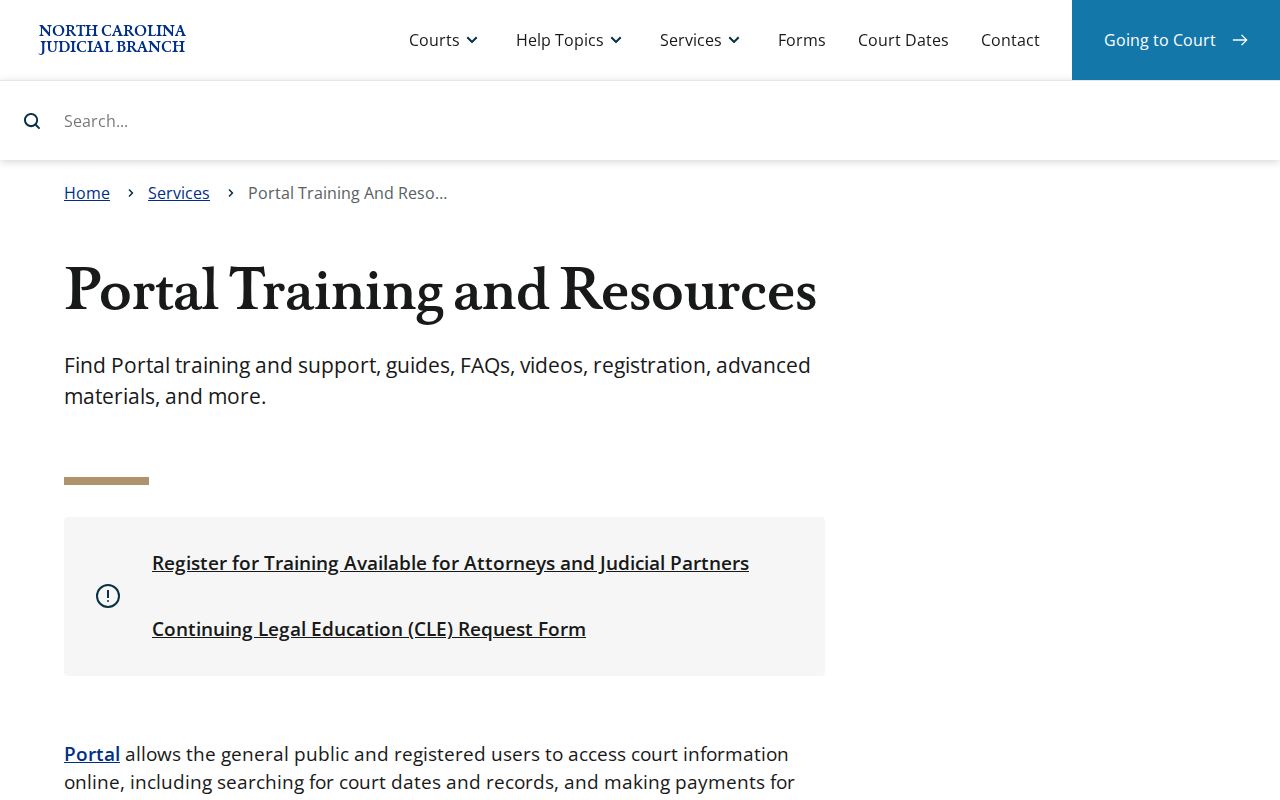
A public Portal result points to the Edgecombe County case history available online. It does not replace the clerk, who keeps the local file. The official File & Serve service is the separate channel for electronic filing.
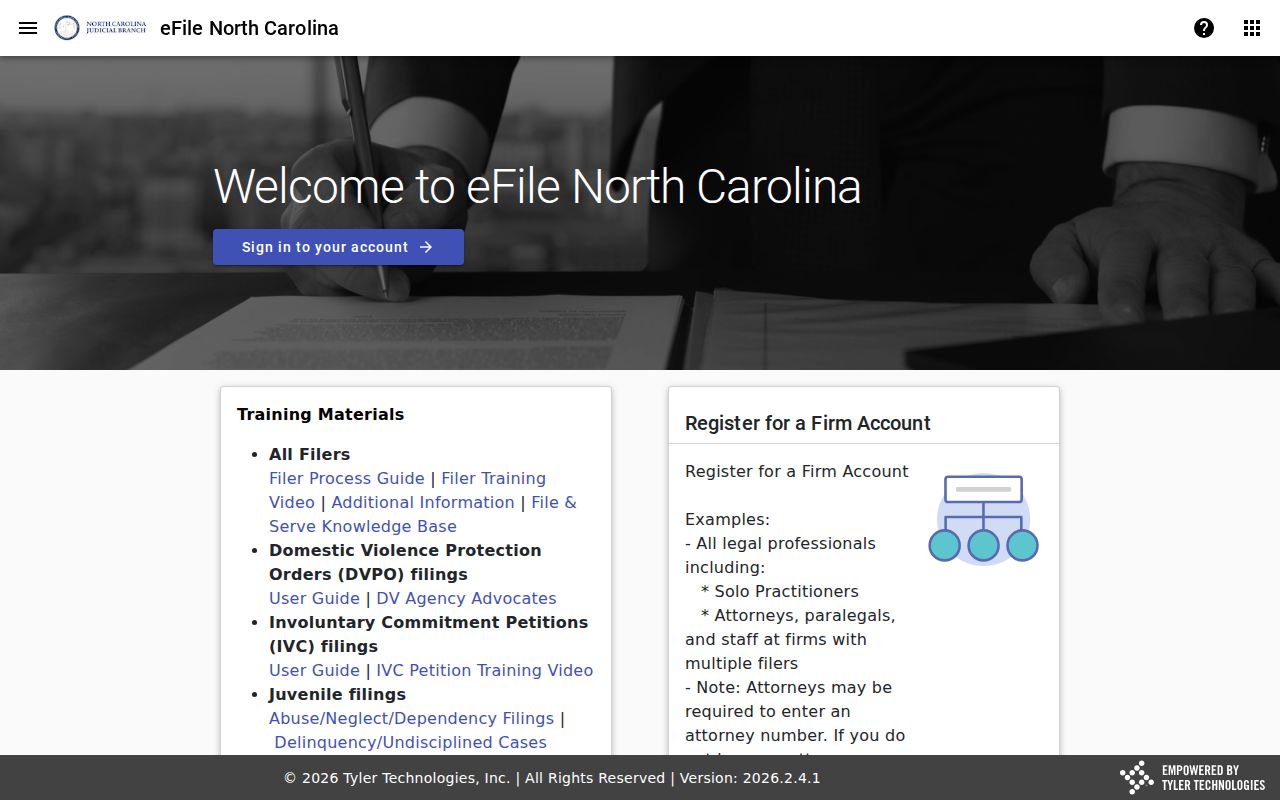
Keep the two systems straight. A filing account is not a way to gain extra public Edgecombe County case-search access.
Finding Cases After Edgecombe eCourts
Edgecombe County joined eCourts in April 2025. That made Portal the primary public case-search route for both trial divisions. Historic Edgecombe County records were converted into Odyssey. One quirk: older Edgecombe County Case Events can display 12:00 a.m. because of migration. Nothing was filed or heard at midnight.
When an older search result looks incomplete, apply the county filter. Enter the full number if you have it. For a paper-file, image, or conversion question Portal cannot answer, use the clerk terminal or the file counter.
Searching by Case Number
Nothing beats a complete number for an Edgecombe County case search. The Enterprise Justice format has four parts. Those are a two-digit year, case-type letters, a six-digit sequence, a dash, and a three-digit county identifier. The official FAQ example 21CR000003-910 shows the statewide pattern only. It is not an Edgecombe record. Edgecombe's official county code is 320, so local case numbers end in -320.
Keep the dash and county suffix intact whenever you search a full number. That matters especially for payment verification. Wildcard searches follow the published guidance: at least four characters followed by *. The number identifies the record. The Case Summary explains its court, events, hearing, and status.
Note: a historic Edgecombe County case event converted before Odyssey may display 12:00 a.m. That timestamp comes from migration, not the original court time.
Use the Edgecombe -320 Case Suffix
Search the complete Edgecombe County case number whenever you can. It carries the three-digit county identifier. The official county-code publication identifies 320 for Edgecombe. Keep the year, type letters, sequence, dash, and suffix together. A partial number might return a record from a different county.
That full number identifies an Edgecombe County case. The public Edgecombe County Case Summary then supplies what matters: court assignment, Case Events, hearing information, disposition, and any available financial information.
Edgecombe Case Search Is Party Based
Edgecombe County Portal Smart Search does not search by criminal charge or offense name. By default it searches a case number or a public party name. To search a business name, attorney name, attorney bar number, or citation number, you must switch to the advanced search-type filter. That limitation bites. It bites when your Edgecombe County case search begins with only a description of an allegation or a remembered hearing topic.
Wildcards have rules too. The official FAQ requires a last name of at least three characters plus *. It also requires a first name of at least one character plus the wildcard. Business or nickname searches need four characters minimum plus the wildcard. Apply a narrow Edgecombe location filter before deciding a name does not match.
Search tip: A charge, claim, or event phrase is not a Portal search key. Use the party, case number, citation, or an authorized advanced search type instead.
What a Case Search Returns
A public hit opens the Edgecombe County Case Summary. Another name for it is the Register of Actions. Empty sections stay hidden, so the page shows only what the court has on file. Read it in this order: Case Information and Assignment Information first, then Party Information, and Causes of Action where it applies. Case Events, Hearings, Dispositions, and Financial Information come last. Portal documents may be public when posted, yet each one must be downloaded separately, and a file too large to open may need clerk reprocessing.
| Case information | Basic case identity, type, number, and available location context. |
|---|---|
| Assignment information | Recorded court assignment information when populated. |
| Party information | Parties shown in a public case; Portal does not return victims in its results. |
| Case events | The chronological history, which can show public process, filings, settings, returns, orders, or other actions. |
| Hearings and dispositions | Scheduled proceeding and outcome information when those sections exist. |
| Financial information | Shown only when applicable; current payoff information comes from the clerk. |
From NC Judgment Search you can get disposition status, the index date and time, the parties, and judgment comments. Smart Search still holds the fuller case summary.
Edgecombe Case Location Filtering
Pick Edgecombe in Portal before you call a result an Edgecombe County case. This matters most for Rocky Mount. That city straddles the Edgecombe-Nash county line. A city name alone proves nothing about the county. The county location, the case information, and the clerk route settle it. A Rocky Mount matter filed in Nash County follows a different county record path, even when the party or address looks familiar.
Name searches often return a crowd. Filter by Edgecombe, check the case type and filing date, and open the Case Summary rather than trusting a short result line. If nothing appears, try a complete number. Check spelling and wildcards too. Then ask the Edgecombe County clerk whether an older paper file, a restriction, or a filing in a different county explains the gap.
The Edgecombe County court hub links the Portal and calendar routes you need for that confirmation.
Statewide vs County Case Search
North Carolina runs no separate statewide and Edgecombe vendor databases for this. There is just one public system. Portal is it. Portal doubles as the statewide system and the Edgecombe County case-search path. Its county selector narrows the statewide returns. For a missing case, a certified copy, an unavailable document, or a current local record question, the county-level custody layer is the clerk, the terminal, and the paper file.
| Portal statewide layer | Edgecombe clerk custody layer |
|---|---|
| Searches public case information across participating county locations. | Maintains the Edgecombe County files, dockets, and indexes. |
| Uses Smart Search, Search Hearings, and NC Judgment Search. | Provides public terminal, paper-file inspection, copies, and certification. |
| Shows available public uploaded case information. | Answers county-file questions, including older or image-limited records. |
Need a hearing date? Search Hearings and the civil or criminal Edgecombe County calendar are the useful online companions. The Edgecombe County clerk or the Superior and District coordinators can confirm a setting when the date is imminent or unclear.
Edgecombe Judgment Search Is Not the Docket
NC Judgment Search is an index search inside Portal, not the docket itself. It helps when you need a filter. Filter by party name, case number, case type, status, location, or judgment date. Results can carry an Edgecombe County case number, disposition status, index time, parties, and judgment comments. What it lacks is the case-event history.
Smart Search holds that. Go back there for the full available Case Summary. For current money totals, use the clerk, because the Portal FAQ says a judgment-search amount reflects the original judgment date and current payoff information updates only after clerk calculation.
Access and Restricted Cases
Some Edgecombe County case records stay private in Portal. Sealed and confidential cases, data, and documents stay off limits there, even with elevated access. Juvenile records and unreturned warrants are restricted. Protective orders carry special online limits. Portal masks Social Security numbers, and it generally hides the month and day of a public birth date. Registration changes none of this.
G.S. 7A-109 sets the public-inspection baseline for clerk-maintained records, subject to legal restrictions, and G.S. 132-6.2 addresses existing electronic public records and does not require an agency to create a new one.
Access limit: A missing Portal result does not establish that a case is sealed. It may reflect search terms, processing, a restriction, or filing in another county.
Edgecombe Case Portal Registration Limits
A Portal account adds My Cases. It saves your public case-search results. Access to restricted files does not come with it. Elevated access requires legal authority and applies only to eligible roles. Per the official FAQ, sealed and confidential cases and documents remain unavailable through Portal.
Use the clerk when someone is legally entitled to request access. The clerk also handles the authorized local procedure. A signup screen is no way around an Edgecombe County case-record limit.
Edgecombe Clerk Case Search Fallback
Portal came up empty? For an Edgecombe County case, the clerk is the correct local fallback. Terminals cover criminal, civil, special proceeding, and estate records. Public-file review in the county where the case sits is allowed too. The clerk can name the certified-copy process. An older or oversized-document question gets solved there, and never send a local case-file request to NCAOC’s administrative public-records form.
Edgecombe County Clerk of Superior Court
Tarboro courthouse: 301 St Andrews St., Tarboro, NC 27886. Rocky Mount Judicial Center: 305 Cokey Rd., Rocky Mount, NC 27802.
(252) 824-3200
Both clerk locations post weekday hours of 8:30 a.m. to 5:00 p.m.
Official court-record instructions describe the terminals, the files, the copies, and the route to the office that holds the record. The Edgecombe County Courthouse page confirms the Tarboro location of the Edgecombe County clerk. Online and local each have a role. The Edgecombe County case search is strongest when the Portal’s Edgecombe County results and Edgecombe County clerk access each do their part.
Mail is published for eligible Edgecombe County payments, not for a general certified-copy order. The Judicial Branch public-records form serves NCAOC administrative records only. It is no substitute for a local request.